Paid collaboration with BASOFA.
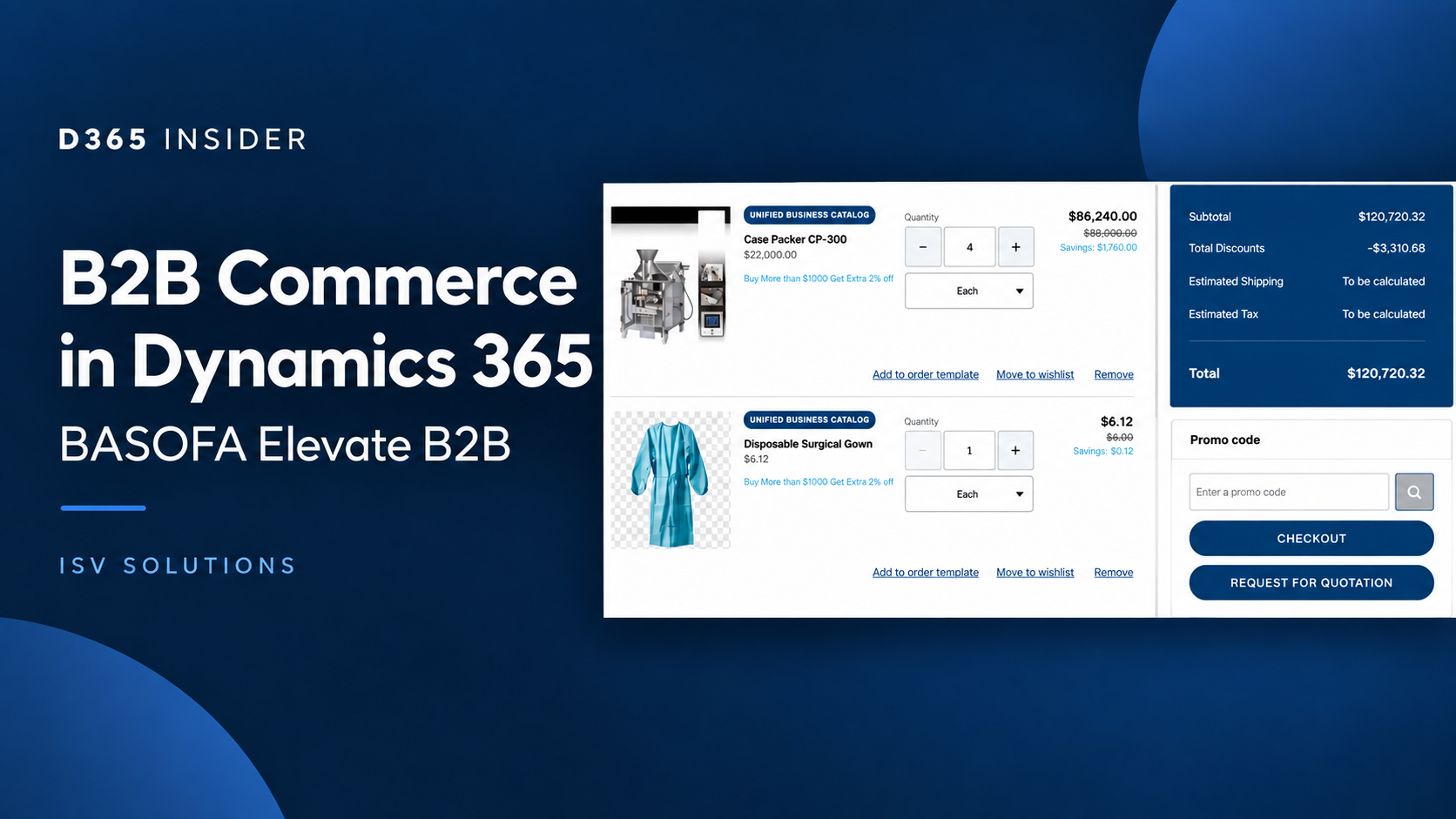
A B2B storefront needs to handle more than a shopping cart. Manufacturers and distributors work with negotiated prices, large order files, approval rules and customers who need visibility after checkout. BASOFA Elevate B2B brings these scenarios into a buying experience built on Dynamics 365 Commerce and connected to Finance and Operations.
In this D365 Insider demonstration, Andrea Pinto and BASOFA CEO Vijay Kumar follow the journey from product selection to quotation, sales order and account management. Here are the workflows worth watching and the questions they raise for a Dynamics 365 project.
▶️ Watch the full BASOFA Elevate B2B demonstration or use the chapter links below to explore a specific process.
What is BASOFA Elevate B2B?
BASOFA positions Elevate B2B as a solution for industrial commerce, particularly manufacturers, wholesalers and distributors using Dynamics 365. In the video, Vijay explains how ERP rules carry into the storefront, including customer pricing, units of measure, credit and delivery constraints.
The demonstration combines Microsoft platform capabilities with BASOFA extensions and configuration. It should not be read as a list of features missing from standard Commerce. Microsoft already documents B2B account payments, quantity limits, account management and order templates in its B2B e-commerce setup guide. For a project, the useful exercise is to identify which requirements the standard platform meets and where the partner solution adds value.
From an Excel order file to a validated cart
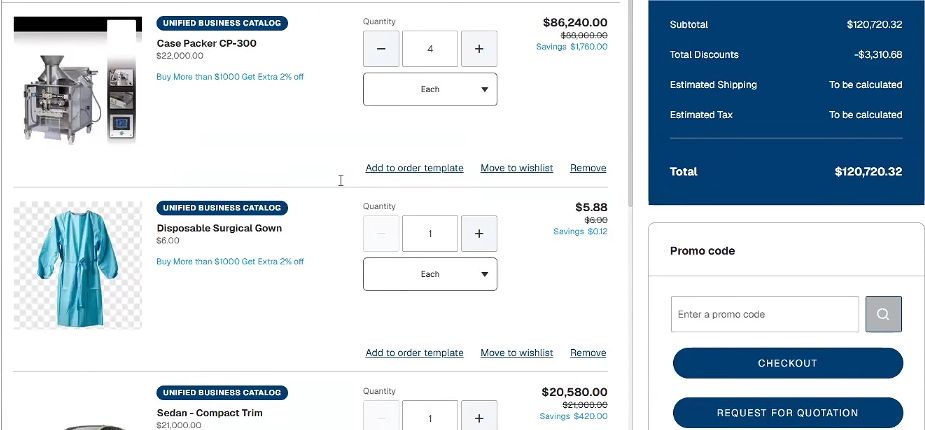
The demo begins with a familiar purchasing habit: preparing an order in a spreadsheet. A buyer downloads the available catalogue, adjusts quantities and uploads the file. Before adding the items to the cart, the portal flags exceptions such as unavailable catalogue items or quantities that do not meet the configured rules.
This matters when a customer orders many lines at once. The buying process can retain a spreadsheet step while giving the customer a chance to resolve exceptions before submitting an order. The session also shows a saved cart for work that needs to be resumed later.
Watch bulk upload and cart validation from 9:51.
A quotation journey that reaches Finance and Operations
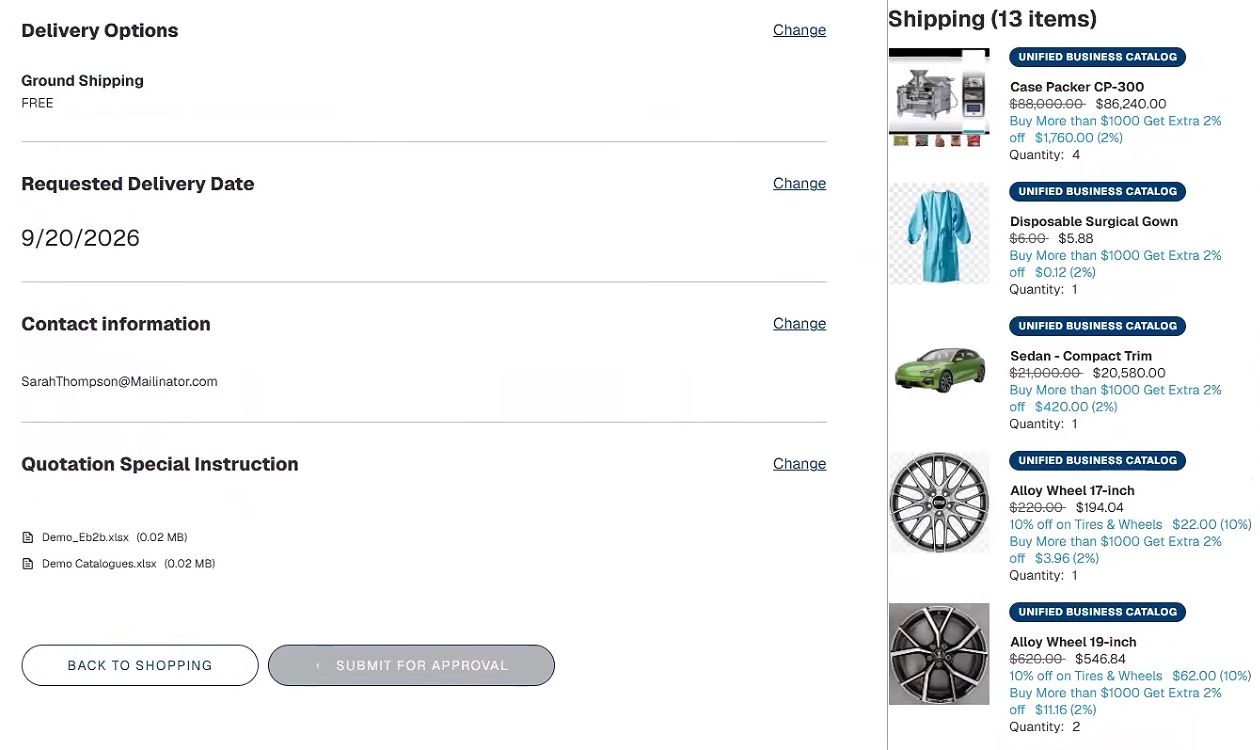
The quotation workflow is one of the clearest examples of the connection between the storefront and the back office. From the cart, the buyer requests a quotation, supplies delivery information and can attach supporting documents such as an engineering drawing.
The demonstration then moves through an approval process and into Finance and Operations, where the salesperson can review the quotation and pricing. The buyer receives the response in the portal and can accept or reject it. Acceptance creates an order, with the agreed details carried forward.
For teams handling negotiated orders, this is a useful scenario to test end to end: who approves, who can change a price, what the buyer sees and how the final order is recorded. It puts the commercial conversation alongside the transaction instead of leaving the whole process in email.
Watch the request-for-quotation workflow from 12:44.
Delivery dates and repeat purchasing
At the product page and checkout, the demo shows delivery information tied to ERP rules, including available-to-promise calculations and lead time. The buyer cannot select a date earlier than the permitted lead time in the example.
The next scenario introduces recurring replenishment. The buyer can choose a frequency and an end date, which is relevant to spare parts, consumables and other repeat purchases. The session also demonstrates warranties that follow the quantity of the associated product and a product bundle added to the cart.
Watch delivery dates from 18:57 and recurring ordering from 20:12.
The customer journey continues after checkout
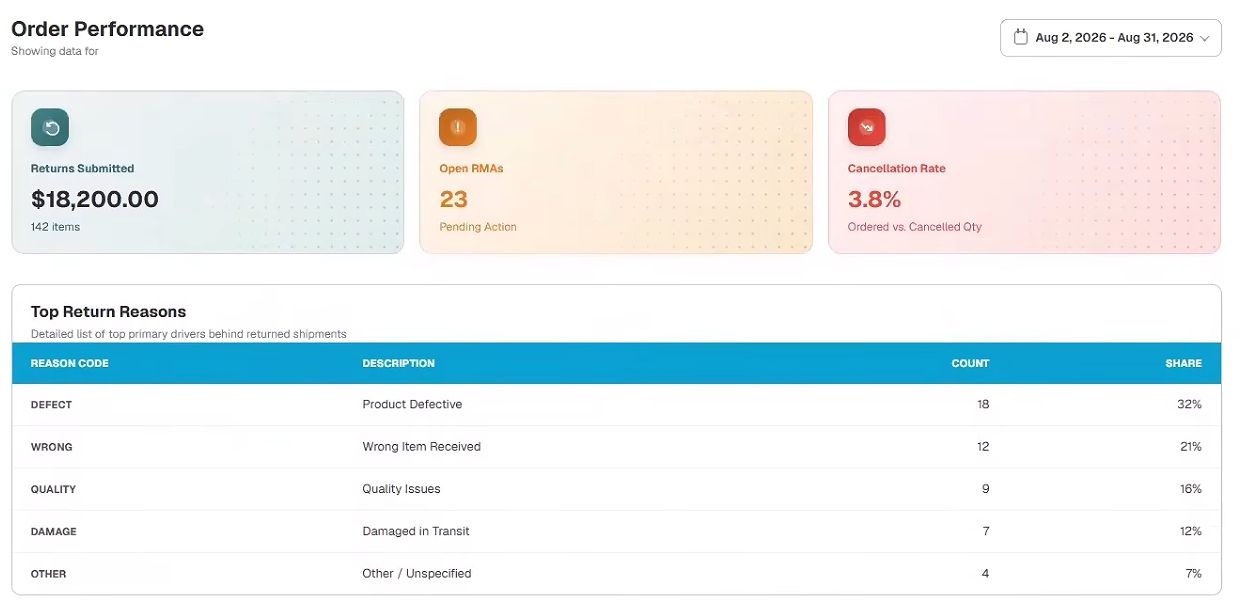
The later part of the video follows account processes that often generate manual work. A buyer can start a return from an invoiced order, select quantities and give a reason. The demonstration shows the resulting return order in Finance and Operations; the warehouse receipt itself is not demonstrated.
Other examples include cancellation rules, invoices and credit notes, and payment of the remaining balance after selected credits are applied. A service case is also created through an experience connected to Dynamics 365 Customer Service. Finally, an organisation dashboard brings together credit usage, overdue and upcoming invoices, and purchasing information.
For a distributor or manufacturer, these workflows are worth evaluating alongside the initial order experience. A portal becomes more useful when customers can answer routine account questions and follow up on an order themselves.
Watch returns from 25:59, invoices and credit notes from 30:14, and the customer dashboard from 34:05.
What to validate in your own D365 environment
Use the video to build a focused demonstration brief. Bring a real purchasing scenario: a large order file, a negotiated quotation with an attachment, a delivery constraint and a partial return. Ask BASOFA to explain the standard Commerce components, its extensions and the configuration required for each step.
Also confirm supported versions, licensing, implementation scope, roles and permissions, and how your existing customisations affect the solution. The video demonstrates workflows; it does not establish a guaranteed implementation time or a measured reduction in processing cost.
Near the end of the conversation, BASOFA discusses B2B agents under development. Treat that section as a roadmap discussion and confirm current availability separately before including those capabilities in project scope.
Explore the solution and the full conversation
▶️ Watch the full interview and demo on D365 Insider. For current product details and a discussion of your requirements, visit BASOFA Elevate B2B.
Looking for more partner demonstrations? Explore ISV Solutions on the D365 Insider Blog. ISVs interested in presenting their own solution can review the collaboration packages and pricing.
Prepared with AI assistance. Watch the linked D365 Insider demonstration and visit the BASOFA Elevate B2B website for further details. Product features and availability may change; consult BASOFA for the latest information.
More from BASOFA
Read all BASOFA articles →
Leave a Reply