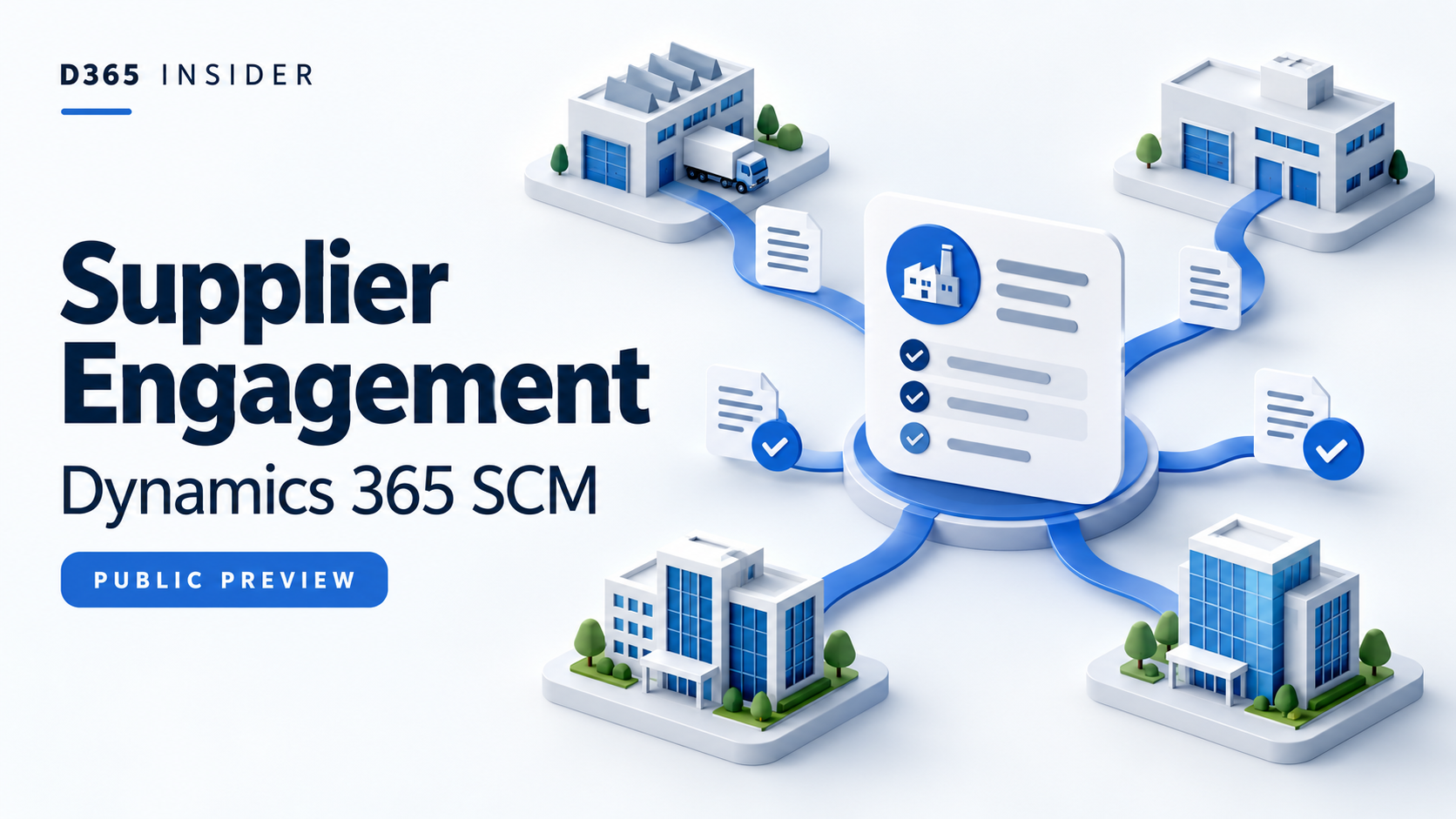
Dynamics 365 Supplier Engagement brings supplier onboarding and purchasing collaboration into a connected workflow. For procurement teams, the important question is how its shared supplier profiles and external portal fit existing company controls. This guide explains the workflow, its differences from vendor collaboration, and what to evaluate while the solution remains in public preview.
Separate the internal app from the supplier portal
Supplier Engagement has two distinct experiences. Internal teams work in a Power Platform model-driven app backed by Dataverse. Suppliers work through an external Power Pages portal without needing direct access to Dynamics 365 Supply Chain Management.
The internal app supports supplier lifecycle activities, including capabilities, certifications, feedback and risk management. The portal supports supplier self-service, including profile maintenance and purchasing interactions. These components serve the same supplier relationship but different audiences.
Microsoft identifies the solution as public preview and says preview features are not intended for production use. Begin in a suitable test environment, with a defined business scenario rather than a production replacement plan.
Sources: Internal app overview and preview status and workflow.
Follow onboarding through to qualification
Onboarding starts through supplier self-registration or an internal invitation.
The supplier provides its details for review. A buyer then qualifies or disqualifies the global vendor.
A qualified global vendor can be released to selected legal entities, creating local vendor accounts. Registration approval, qualification and release are therefore separate milestones. When designing the process, assign an owner to each decision so that an accepted registration is not mistaken for permission to transact in every company.
Microsoft sources: Supplier Engagement overview.
Understand global and local vendor relationships
A global vendor represents the supplier across legal entities. A local vendor represents its relationship with a particular company. Local accounts link to the same party, sharing core information such as names, addresses and contacts.
For example, a supplier serving both a Danish company and a German company could have one global profile and separate local vendor accounts. The shared relationship does not remove the need for those company-specific accounts.
Use that distinction to structure an evaluation. Ask procurement and finance to identify which supplier details should be shared and which decisions require company ownership. Start with a supplier serving two legal entities so that the exercise exposes cross-company requirements early.
Microsoft sources: Supplier Engagement overview.
Connect quotations, orders and invoices
The supplier portal supports requests for quotation, or RFQs, allowing suppliers to view requests, submit bids and manage responses. Suppliers can also review and respond to purchase orders, and create, submit and track invoices. Consignment inventory tracking is another supported workflow.
Evaluate these activities as a connected business scenario. Begin with a quotation response, continue with an order response, and finish with invoice submission. At each handoff, record the responsible internal team and the access the supplier needs.
For purchasing background, the D365 Insider Request for Quotation process video complements this exercise. It covers the RFQ process, not a demonstration of the Supplier Engagement preview.
Microsoft sources: Supplier portal capabilities.
Check gaps before replacing vendor collaboration
Existing vendor collaboration is embedded in Supply Chain Management. Supplier Engagement instead combines an internal app with an external Power Pages portal and broader supplier lifecycle processes. Both approaches cover RFQs, purchase orders and invoices.
Shared document types do not mean complete functional parity. Microsoft's comparison identifies sealed bidding and public RFQs as unsupported in the Supplier Engagement portal, while existing vendor collaboration supports them.
Microsoft allows the two solutions to operate in parallel. If either RFQ capability is essential, treat it as a decision point before planning a transition. Compare your actual purchasing requirements rather than assuming the portal replaces every existing interaction.
Microsoft sources: Comparison with vendor collaboration.
Confirm technical and commercial prerequisites
Microsoft lists Supply Chain Management version 10.0.48, build 10.0.2645.52 or later, together with a connected Dataverse environment and required virtual entity solutions. The Finance and Operations Virtual Entity app must be version 2.20.3385.8 or later.
Deployment also requires a dedicated, licensed service user with the documented administrative roles. Installation includes Power Platform components and enabling the Supplier Engagement feature in Supply Chain Management. Have the environment administrator check these prerequisites before arranging supplier participation.
The preview app supports US English. A different Dataverse base language can result in a mixed-language interface, which matters when assessing usability for internal teams.
Licensing remains under review, and Microsoft documents a 30-day supplier portal trial. Do not assume an existing application licence provides permanent portal entitlement or establishes final pricing.
Microsoft sources: Deployment prerequisites and licensing.
Make the first evaluation small and measurable
Choose one prospective supplier, two legal entities, a buyer, a finance reviewer and a supplier representative. Plan one onboarding review followed by an RFQ response, purchase order response and invoice submission.
Define expected results before starting. Check who approves qualification, which local accounts are created, and whether each participant can access only the intended information. Record gaps separately from configuration questions.
The decision is whether the proposed process can reduce repeated supplier administration while preserving company control. Use that result, together with the preview limitations and licensing position, to decide whether a broader evaluation is worthwhile.
Watch related D365 Insider discussions
EPISODE 13 | Request for Quotation process | Microsoft Dynamics 365 F&O Full course
Explore more D365 learning
📚 Explore more updates on the D365 Insider Blog.
Prepared with AI assistance using official Microsoft documentation. Feature availability and details may change; consult the linked Microsoft sources for the latest information.

Leave a Reply