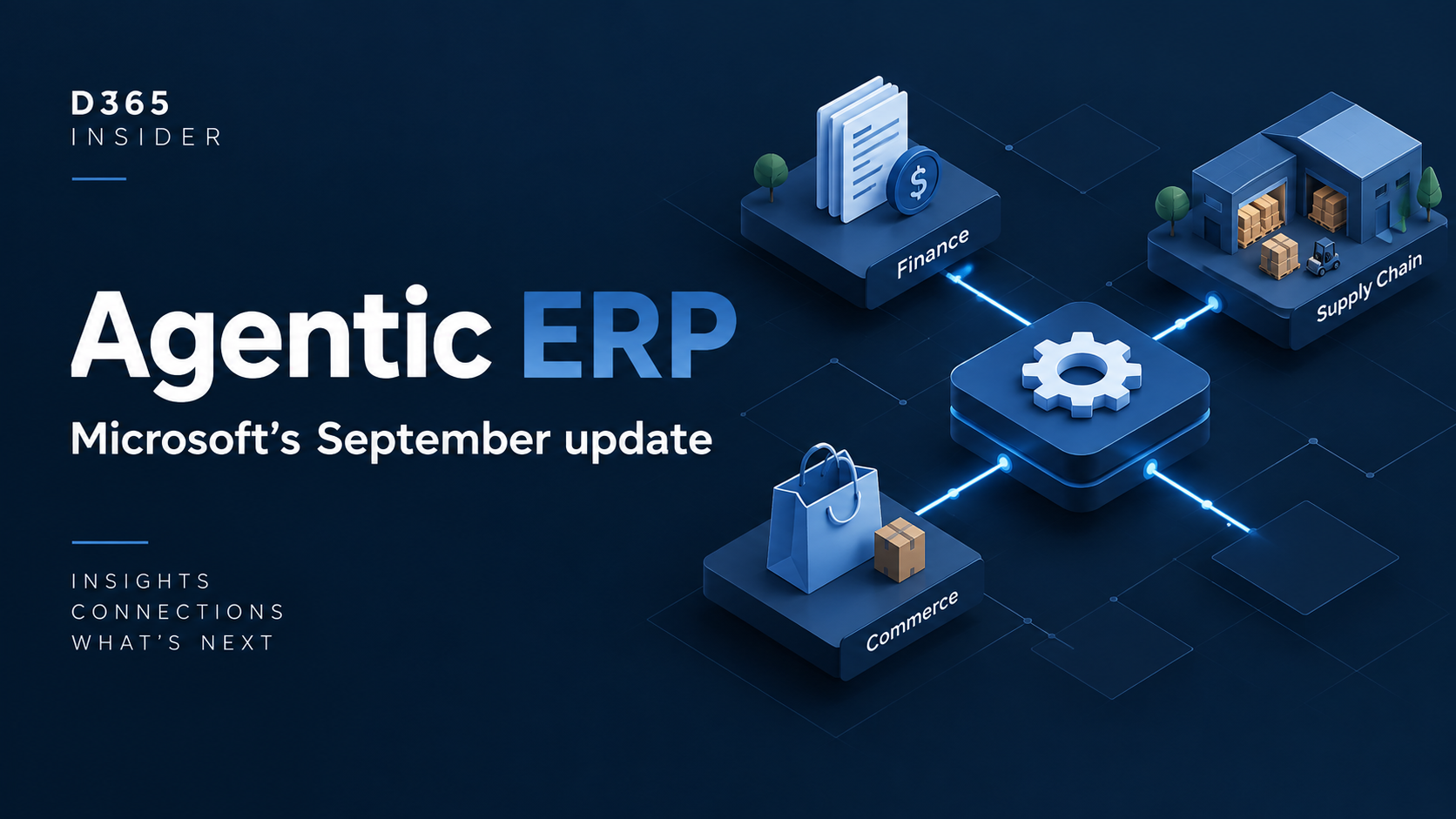
Microsoft’s September 23, 2026 announcement describes a direction for Dynamics 365 agentic ERP that connects business applications, AI and everyday work. It is a portfolio update covering capabilities available now and others coming through March 2027, rather than a single release you can enable everywhere.
🔎 Read it in three parts: what is available, what is preview, and what is planned. The useful question for your team is which business process each item changes.
Sources checked: September 24, 2026. This is an independent D365 Insider summary and interpretation. Read Sameer Verma’s full Microsoft announcement.
The Finance, Supply Chain and Commerce highlights
Microsoft highlights journal improvements, accounts payable automation and evolving reconciliation capabilities in Finance. For Supply Chain, the announcement covers procurement impact analysis and Supplier Engagement previews, demand-planning insights and upcoming warehouse and rental capabilities. Commerce investments include B2B purchasing, Trade POS and a Commerce MCP server preview.
The ERP plugin for Copilot Cowork and ERP MCP server are described as generally available. Business skills and additional agent access restrictions are described as further developments. These statements do not make every related agent or extension generally available. Check Microsoft’s wording and feature status.
Why the connection between applications matters
Our interpretation: the important change is the unit of work. A team may begin with a supplier message, investigate its effect on an order, then need someone to make a commercial decision. That process crosses screens and roles. Evaluating only the quality of an AI response misses the handoffs that decide whether the work is actually completed.
For example, a purchasing pilot could measure whether a changed supplier commitment reaches the planner in time to act. That is a proposed evaluation scenario, not a claim that a particular end-to-end process is available out of the box.
Use the new roadmap alongside implementation documentation
Microsoft is moving Dynamics 365, Power Platform and Dataverse roadmap communication to the AI at Work roadmap from September 2026. New information is published continuously instead of waiting for twice-yearly release-wave announcements. Microsoft says this changes disclosure, not established product deployment schedules; Microsoft Learn remains the implementation reference. Read the roadmap transition guidance.
For a project team, the practical habit is to keep an adoption register: feature, relevant process, current status, prerequisites, owner and next review date. A roadmap entry answers what is coming. Your environment assessment answers whether and when you can use it.
A practical discussion for your next ERP planning meeting
- Which recurring task causes the most delay today, and how is that delay measured?
- What information must be trustworthy before an agent can help with that task?
- Where does a person need to review a suggestion or approve an action?
- Who owns failed runs, exceptions and consumption costs after the pilot ends?
- What evidence would justify expanding the scope?
Choose a narrow outcome for the first experiment. A successful demonstration is a useful beginning, but an operational decision needs evidence from your own data, permissions and exception cases. Do not turn a product announcement into a delivery commitment without checking the individual documentation.
Keep the announcement and the hands-on evaluation separate
Use this announcement to identify opportunities. Then use the product documentation to verify each opportunity and design a controlled evaluation. The Account Reconciliation Agent documentation and Procurement Agent overview are useful starting points for the Finance and Supply Chain discussion.
Watch related D365 Insider conversations
For related demonstrations and discussions, explore these D365 Insider videos. They provide additional context; Microsoft’s linked documentation remains the source for release status and prerequisites.
- Copilot Cowork + D365 Demo with Tina van Heerden: a relevant demonstration alongside the wider agentic ERP discussion.
- MCP Server + ERP Agentic AI with Shriram Sivasankaran: context for MCP and ERP agents.
- AI and business value with Magnus Gether Sørensen: a conversation about evaluating business value.
Explore the AI Talks playlist. Video links open in a new tab so you can keep this article open.
For another related agent demonstration, watch D365 Sales order agent in action with Microsoft creator. This earlier AI Talks episode provides background and does not demonstrate every capability in the September announcement.
Explore more D365 learning
📚 Explore practical D365 learning or browse the D365 Insider Blog for more Finance, Supply Chain and AI updates.
Prepared with AI assistance using official Microsoft documentation. Feature availability and details may change; consult the linked Microsoft sources for the latest information.

Leave a Reply